Skip to content

Cart

Your cart is empty

Article: What to Do With Your Audio Guestbook Messages After the Wedding

What to Do With Your Audio Guestbook Messages After the Wedding

What to Do With Your Audio Guestbook Messages After the Wedding

The wedding is over. The flowers are gone, the decorations have been packed away, and you've finally had a chance to look through the photographs.

Then you remember the audio guestbook.

Somewhere on your computer—or waiting in an email from your audio guestbook company—is a collection of recordings from the people who celebrated with you.

Maybe you've already listened to a few. Your best friend left a hilarious message. Your grandmother gave you marriage advice. Someone from the wedding party recorded a story that probably shouldn't have been told into a microphone.

And now you're wondering: What are we supposed to do with all these recordings?

The good news is that your audio guestbook messages don't have to sit in a forgotten folder.

You can organize them, share them with family, include them in your wedding video, revisit them on anniversaries, or turn selected recordings into a physical keepsake.

Here are some of the best ways to make those voices part of your life long after the wedding day.

What Can You Do With Audio Guestbook Messages After Your Wedding? 

After your wedding, you can save your audio guestbook recordings, organize them into a digital collection, share favorite messages with family, add them to a wedding video, create an anniversary tradition, or turn them into a personalized, playable vinyl record.

You don't have to choose just one option.

In fact, the best approach is usually to preserve the original files first and then decide how you'd like to enjoy them.

Think about the different types of messages you received.

Some are short congratulations. Others are stories, jokes, advice, or personal conversations. A few might be messages you'll want to hear again and again.

Those recordings deserve different kinds of attention.

A funny message from your college roommate might be perfect for a wedding video. A recording from your grandparents might become part of a family archive. And a collection of favorite voices could become an album you play on your anniversary.

The important thing is to do something with the recordings while you still know exactly where they are.

Wedding Vinyl Record

A vintage-style chrome rotary telephone sits on a black table beside a clear acrylic sign reading 'LEAVE A MESSAGE' and a floral invitation card in a softly lit indoor setting.

Start by Saving Your Original Audio Guestbook Recordings 

Before you make a video, create an album, or start editing anything, save a complete copy of the original recordings.

This is especially important if your audio guestbook came from a rental company.

Some providers send a download link after the wedding. Others provide a folder of individual recordings or one longer audio file.

Download everything you received, even if you aren't sure you'll use every message.

Then make at least two copies.

Keep one on your computer or an external drive and another in a secure cloud storage account.

You might organize the files into a folder named with your wedding date, then create separate folders for the original recordings and any edited versions.

If your files have names like Recording_001.mp3, consider creating a simple list identifying who left each message.

Don't overwrite the originals when trimming or rearranging audio. Always work from copies.

You may not realize which recordings will become the most meaningful until years later, so keeping the complete collection is worth the small amount of extra effort.

Black and white photograph of a woman in a strapless white dress holding a vintage rotary telephone receiver, with a matching rotary phone visible on a table beside her.

Listen Through the Messages and Organize Your Favorites 

If you had a large wedding, listening to every audio guestbook recording can take a while.

Make an evening of it.

Put away your phones, get comfortable, and listen together.

You'll probably hear a few things you missed during the wedding itself.

Maybe your parents left separate messages. Maybe a friend recorded something late in the reception that neither of you remembers. Maybe someone who couldn't attend sent a recording that was added to the collection.

As you listen, make a note of the messages you especially want to keep close.

You can organize them by:

  • Family members and grandparents
  • Wedding party and close friends
  • Funny messages and memorable stories
  • Marriage advice and heartfelt wishes
  • Messages from guests who traveled to attend
  • Recordings from people who couldn't be there

You can also leave everything in its original order.

There's something fun about hearing the progression of the reception through the messages, especially when guests become a little more relaxed as the evening goes on.

One tip: Don't automatically remove every awkward pause or burst of background laughter. Sometimes those little moments are what make the recording feel like your wedding.

Black Label Collection

Make It Completely Yours 

There are several ways to turn a folder of wedding recordings into something you'll actually enjoy revisiting.

THE VOICES 

Save the messages from parents, grandparents, friends, and guests who made your wedding memorable.

THE PHOTOGRAPHS 

Pair favorite recordings with photographs from your ceremony, reception, and time spent with family.

THE STORIES 

Organize the funny moments, heartfelt advice, and personal messages into a collection that tells the story of your celebration.

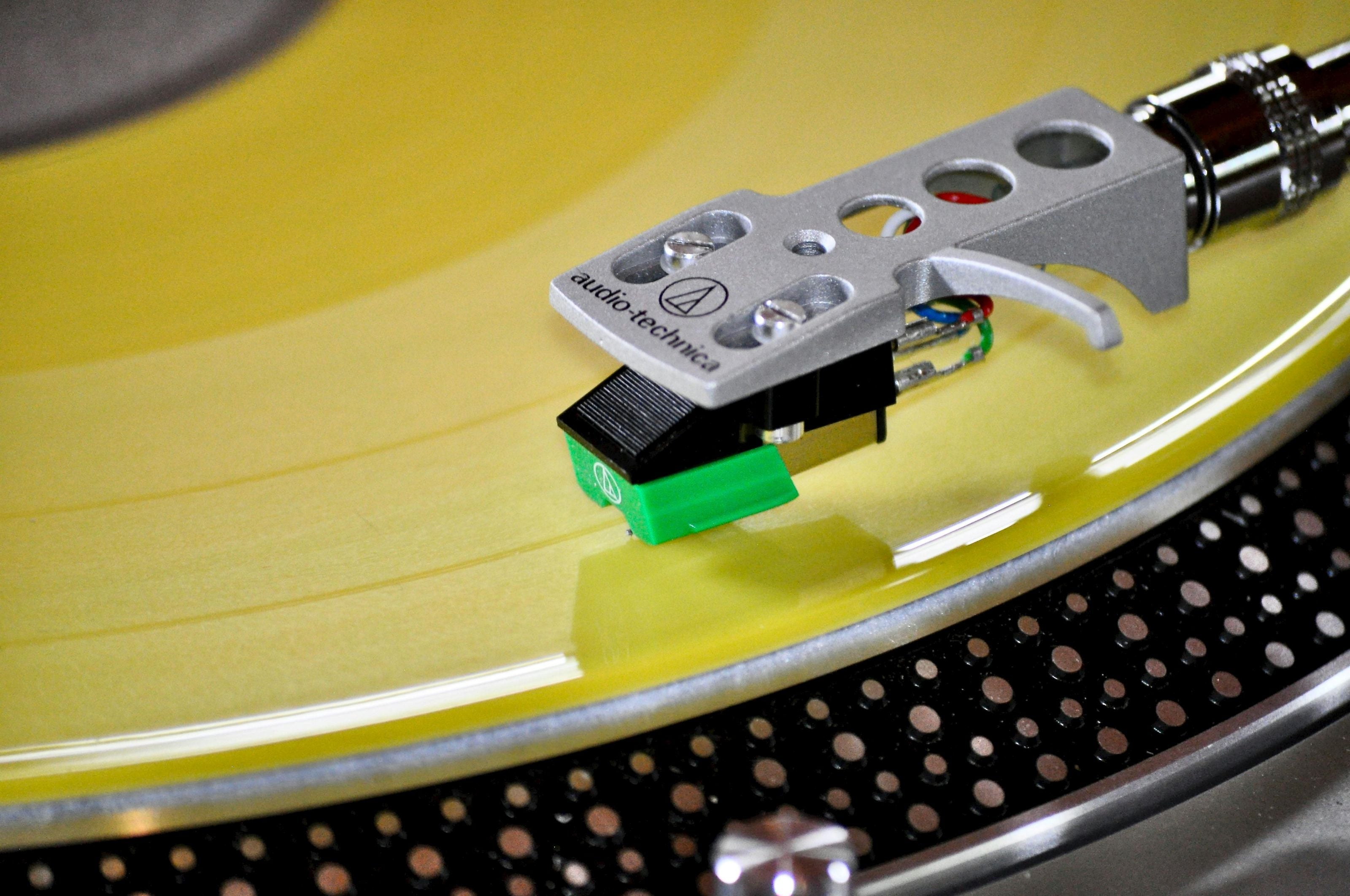
Close-up of a record player cartridge on a yellow turntable

THE KEEPSAKE 

Choose how you want to revisit those memories-through a video, digital collection, photo project, or personalized playable vinyl record.

Create a Wedding Audio Compilation You Can Listen to Anytime 

One of the easiest things you can do with audio guestbook recordings is combine your favorites into a single listening collection.

Instead of opening dozens of separate files, you can arrange the messages in an order that feels meaningful.

For example, you might begin with congratulations from your parents, follow with messages from your grandparents and siblings, and finish with your wedding party and friends.

Or you could create two collections: one heartfelt and one funny.

Basic audio editing software can help you arrange compatible recordings and trim unnecessary silence.

You don't need to turn it into a professionally produced podcast.

In fact, a simple collection of the original voices can be much more personal.

Save the finished compilation alongside the untouched original files.

You can listen to it on your computer, transfer it to a compatible device, or share it privately with family members who would appreciate hearing the messages.

If you eventually decide to create a physical record, having your favorite messages organized can also make planning the vinyl version easier.

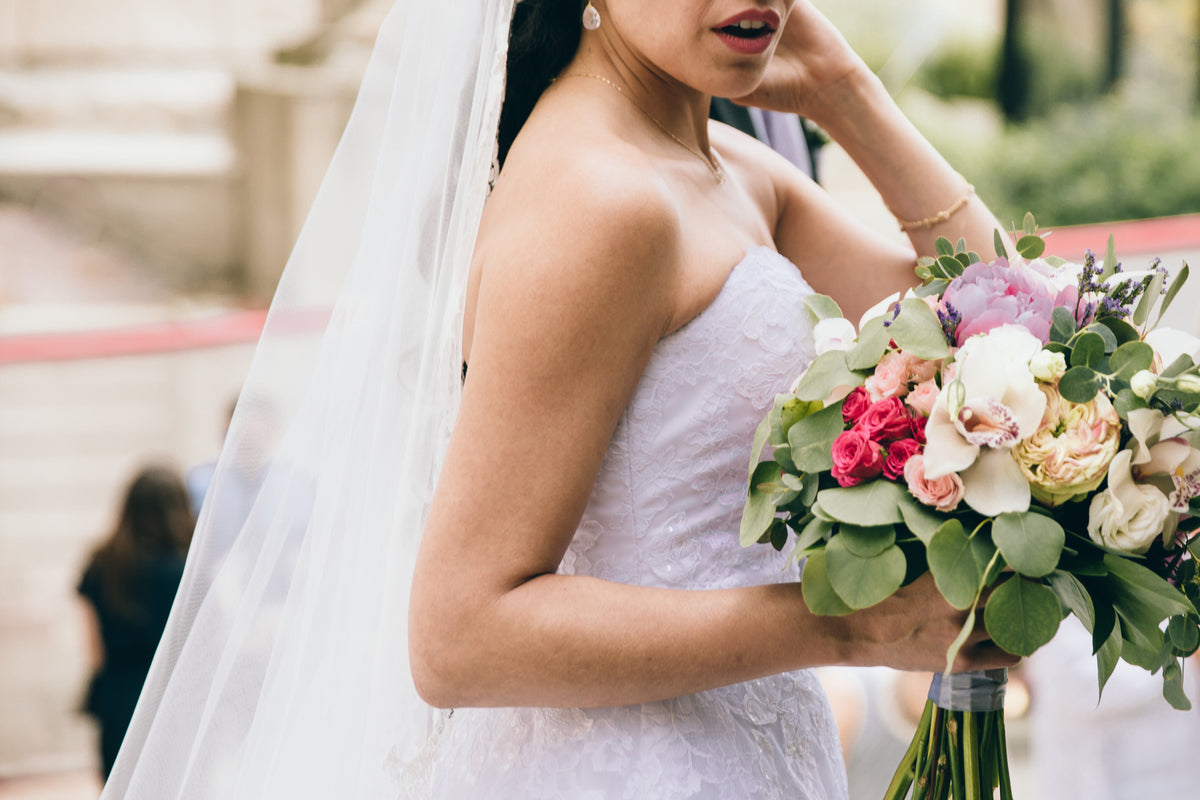
Black and white wedding photograph showing a bride in a sleeveless white gown with a long veil holding a bouquet, standing beside a groom in a dark suit in front of a large window.
A vintage-style rotary telephone with an off-white/cream plastic body and handset, accented by shiny chrome metal parts and black button details, set against a solid black background.

Add Your Guests' Voices to Your Wedding Video 

Your wedding video probably already captures some of the most important moments of the day.

But your audio guestbook may contain voices and stories that never made it into the final film.

Adding selected recordings to a wedding video can make it even more personal.

You might pair a message from your parents with footage of the ceremony.

A funny recording from a bridesmaid could play over clips from the reception.

A grandparent's congratulations might accompany photographs or video of your family together.

You can create a short highlights video using a handful of recordings, or ask your wedding videographer whether they can incorporate the audio into an updated edit.

Just be selective.

Trying to include every guestbook message in one wedding film can make the video unnecessarily long.

Choose recordings that complement the images and give the viewer something meaningful to hear.

And keep the full audio collection separately, so the messages that don't make it into the video are still preserved.

Share Special Messages With Parents, Grandparents and Friends 

Some audio guestbook recordings are worth sharing with the people who left them.

Imagine sending your parents the message they recorded on your wedding day, along with a favorite photograph of the two of you together.

Or sharing a collection of family messages with relatives who couldn't attend.

A recording from your grandparents might become something several generations of your family want to keep.

You can share individual files privately, create a family folder, or put together a short audio compilation for close relatives.

If a message includes personal details, private jokes, or emotional conversations, it's thoughtful to ask before sharing it publicly.

Not every wedding recording needs to become a social media post.

Sometimes the best way to preserve a message is simply to send it to the people who will appreciate it most.

Those small moments of sharing can give the recordings a life beyond the wedding day.

Make Listening to Your Wedding Messages an Anniversary Tradition 

Your audio guestbook doesn't have to be something you listen to only once.

Consider making it part of your anniversary.

Every year, choose a few messages to revisit together.

You might listen to the advice your parents gave you, laugh at the stories your friends told, or hear the congratulations from people who helped make your wedding memorable.

The messages may take on different meanings as your marriage grows.

Advice that seemed funny during the reception might make a lot more sense five years later.

And hearing familiar voices from your wedding day can bring back memories that photographs alone don't capture.

You could even create an anniversary evening around the recordings: look through your wedding album, enjoy dinner together, and listen to a collection of favorite messages.

It doesn't need to be elaborate.

The recordings already contain the important part.

Turn Your Audio Guestbook Messages Into a Playable Vinyl Record 

If you want a physical keepsake made from your wedding recordings, one distinctive option is to turn selected messages into a personalized vinyl record.

Yes, you can create a real, playable vinyl record using audio guestbook messages you've already recorded.

You don't need to rent another audio guestbook or use the company that originally captured the messages.

Black Label Vinyl creates custom records using compatible MP3, WAV, and M4A audio files, including spoken recordings from wedding guests.

That means the congratulations from your parents, the story your best friend told, and the messages from your grandparents can become part of an album you can actually play.

You choose the recordings and their playback order on Side A and Side B.

You can also personalize the record with your wedding photographs, names, date, and custom artwork.

Unlike a traditional wedding photo album, the record lets you hear the people who were there.

And unlike an audio file stored on your computer, it's something you can take off the shelf, place on a turntable, and enjoy together.

For the full process, including compatible files, runtime, artwork, and organizing messages, read How to Turn Your Audio Guestbook Messages Into a Vinyl Record.

Combine Your Wedding Recordings With Photographs 

Wedding photographs and audio guestbook messages complement each other.

A photograph shows you the moment. A voice recording can bring back the personality of the person in it.

There are several ways to use them together.

You could create a digital slideshow with voice messages playing over the images.

You could build a photo book and include a private link or QR code to a securely hosted audio collection.

Or you could use wedding photographs as the artwork for a personalized vinyl record containing selected guest messages.

With Black Label Vinyl, photographs can be incorporated into the record jacket and center labels.

Picture Vinyl also allows a photograph or custom design to appear directly on the playable record.

For example, you might choose a photograph of the two of you for the front cover, a reception photograph for the back, and a meaningful image for the record itself.

The finished keepsake can tell your wedding story through both pictures and sound.

If you already have professional wedding photographs, you have a wonderful starting point.

A round white table covered with a lace tablecloth displays a custom bridal registry setup. The table is decorated with multiple framed wedding photographs, a vintage-style white rotary phone, a small white typewriter, candles, and white floral arrangements in tall glass vases.

What If You Have Too Many Audio Guestbook Messages? 

A busy wedding reception can produce a surprising amount of recorded audio.

You might have dozens of messages, and some guests may have talked for several minutes.

The good news is that you don't have to use every recording in every project.

Keep your complete original collection backed up, then create shorter versions for different purposes.

For a wedding video, you might select five or six memorable messages.

For an anniversary compilation, you might choose the recordings that are most meaningful to the two of you.

For a vinyl record, you'll need to consider the available audio time.

A 12-inch Black Label Vinyl record can accommodate up to approximately 22 minutes per side, although around 18 minutes per side is preferred when possible.

If your recordings exceed that runtime, you can choose favorite messages, shorten unnecessary silence, reorganize the audio, or consider additional records.

And remember that a long recording isn't necessarily better than a short one.

Sometimes a 20-second message from someone you love can mean more than a five-minute speech.

Focus on the voices and memories you want to revisit, rather than trying to fit every recording into one keepsake.

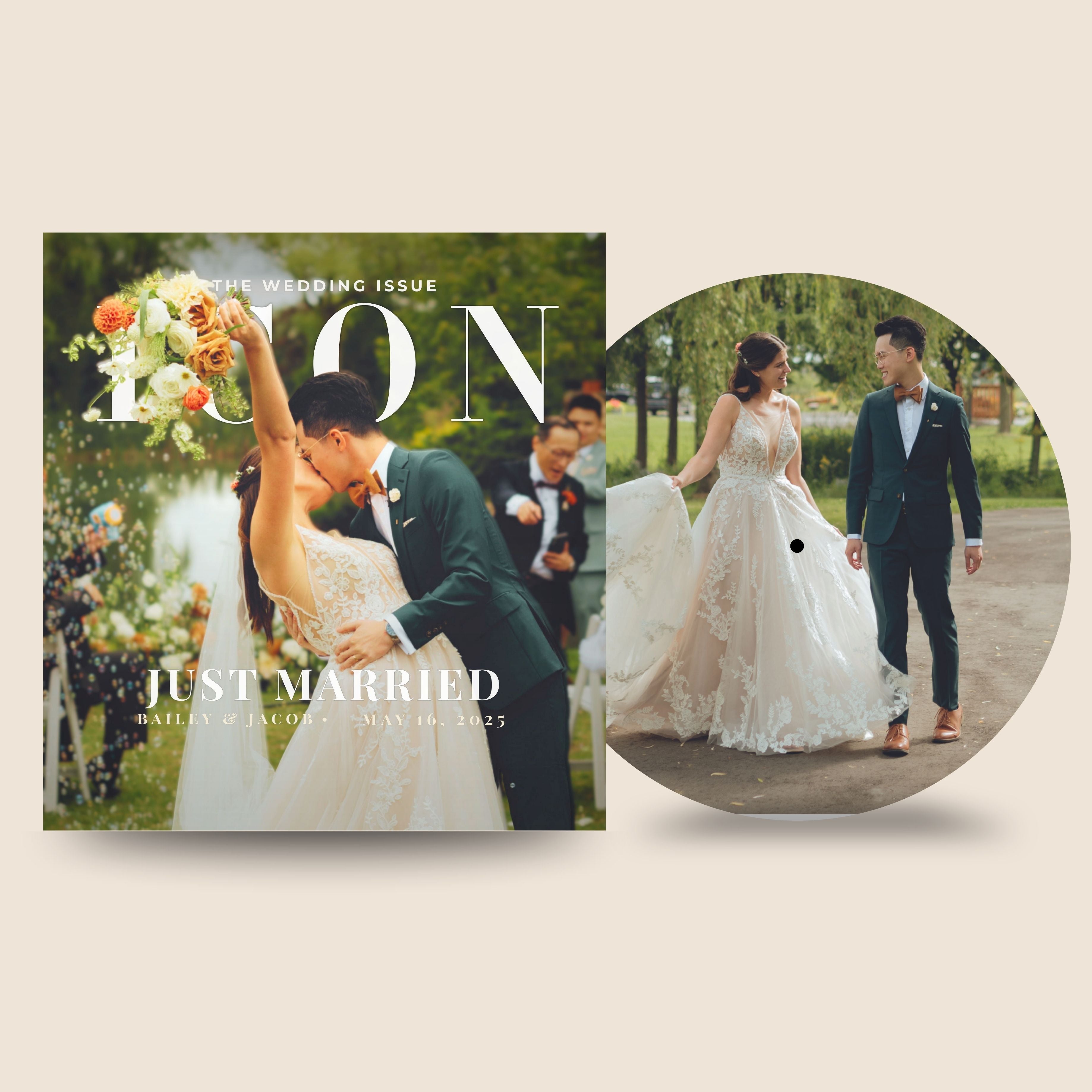
Wedding magazine cover with 'Just Married' couple and a circular inset of the same scene.

Your Wedding Guests Left the Messages. Now Give Them a Place in Your Story. 

You probably spent months planning your wedding.

The flowers, music, photographs, and celebration all came together for one unforgettable day.

Your audio guestbook captured something you couldn't plan: the words your guests chose to leave for you.

Some were funny. Some were emotional. Some were simple congratulations.

And some may become more meaningful with every passing year.

However you choose to preserve them, don't let those recordings disappear into a folder you never open.

Back them up. Share them. Listen to them on anniversaries. Pair them with photographs.

And if you'd love to turn those voices into something you can physically keep and play, a personalized vinyl record can bring the messages together in a completely different way.

ALREADY HAVE YOUR AUDIO GUESTBOOK RECORDINGS?

TURN YOUR WEDDING MESSAGES INTO VINYL

Your guests already said the words. Now you can decide how to keep them close.

Create My Own Record

Audio Guestbook Vinyl Record FAQ 

1. Can I turn audio guestbook messages into a vinyl record?

Yes. If you already have usable audio guestbook recordings, you can create a personalized, playable vinyl record using those existing audio files.

2. Can I use recordings from any audio guestbook company?

Yes. Black Label Vinyl does not require your recordings to come from a particular audio guestbook provider. Compatible audio files from another company can be used.

3. Can I use recordings from an audio guestbook I purchased myself?

Yes. Recordings from a purchased audio guestbook can be used as long as you can retrieve the files in a compatible format.

4. Can DIY audio guestbook recordings be put on vinyl?

Yes. Recordings captured using a DIY audio guestbook can be used if the audio files are accessible and usable.

5. What audio file types can I use?

Black Label Vinyl accepts MP3, WAV, and M4A audio files.

6. How many audio guestbook messages fit on a vinyl record?

It depends on the length of the recordings. A 12-inch record can accommodate up to approximately 22 minutes per side, with around 18 minutes per side preferred when possible.

7. Can I choose which messages go on the record?

Yes. You can select the messages you want to include rather than using every recording from your audio guestbook.

8. Can I choose the order of the recordings?

Yes. You can organize the selected recordings into your preferred playback order on Side A and Side B.

9. Can wedding speeches and vows be included too?

Yes. Compatible recordings of wedding vows, speeches, toasts, and other spoken messages can be included, subject to the available runtime.

10. Can I use my wedding photos for the record artwork?

Yes. You can personalize the record jacket and labels with wedding photographs. Picture Vinyl also allows a photograph or custom design to appear directly on the playable record.

11. What if my audio guestbook recordings are too long for one record?

You may need to select certain messages, shorten unnecessary silence, reorganize the audio, or consider additional records depending on the total runtime.

12. Can I make a vinyl record months or years after my wedding?

Yes. You can create a record after your wedding as long as you still have usable audio files from the celebration.

13. Do I need to have used a particular audio guestbook company?

No. Black Label Vinyl can use compatible recordings from rental providers, purchased audio guestbooks, and DIY recording setups.

14. Can voice recordings and music be included on the same custom record?

Yes. Spoken recordings and music can be included on the same record when compatible audio is provided and the total runtime fits within the record's limits.

Continue Creating Your Audio Guestbook Record

Need a little inspiration before you begin? Explore our guides and tools for choosing your songs, creating personalized artwork, selecting your record style, and turning your favorite memories into a one-of-a-kind gift.

Helpful Resources

Plan Your Soundtrack

Create & Personalize

Explore Record Styles

Helpful Tools