Skip to content

Cart

Your cart is empty

Article: How to Turn Your Audio Guestbook Messages Into a Vinyl Record

How to Turn Your Audio Guestbook Messages Into a Vinyl Record

How to Turn Your Audio Guestbook Messages Into a Vinyl Record

Already have your audio guestbook recordings? You can turn those wedding messages into a real, playable vinyl record—even if you rented your audio guestbook from another company, purchased one online, or recorded everything yourself.

Maybe your wedding was last month. Maybe it was three years ago. Either way, you probably have a collection of recordings filled with congratulations, advice, funny stories, and familiar voices from the people who celebrated with you.

And there's a good chance those messages are sitting in a folder on your computer.

Black Label Vinyl helps you turn existing audio recordings into a personalized vinyl keepsake, complete with your chosen messages, wedding photographs, and custom artwork.

You don't need to rent another audio guestbook or return to the company that originally recorded your messages.

If you have the audio files, you already have the most important part.

Here's how to turn those recordings into a record you'll actually want to take off the shelf and play.

Can You Turn Audio Guestbook Messages Into a Vinyl Record? 

Yes. Audio guestbook messages can be turned into a personalized, playable vinyl record using your existing digital audio files.

Those recordings might include messages from your parents, grandparents, wedding party, childhood friends, or guests who couldn't attend the celebration.

They might be heartfelt, hilarious, emotional, or completely unexpected. That's part of what makes them worth keeping.

Black Label Vinyl accepts MP3, WAV, and M4A audio files, so you can use compatible recordings you've already downloaded from your audio guestbook.

You choose which messages to include and the order in which they play. You can also personalize the record with wedding photographs, your names, wedding date, and artwork that reflects your celebration.

The result is a physical record containing the actual voices of your wedding guests—not a recording of someone reading their messages or a recreation of what they said.

It's their voices, preserved in a format you can play again.

If you're still deciding what to do with all your recordings, explore our guide to What to Do With Your Audio Guestbook Messages After the Wedding.

A round white table covered with a lace tablecloth displays a custom bridal registry setup. The table is decorated with multiple framed wedding photographs, a vintage-style white rotary phone, a small white typewriter, candles, and white floral arrangements in tall glass vases.

What Is an Audio Guestbook Vinyl Record? 

An audio guestbook vinyl record is a custom record made using spoken messages that guests recorded at a wedding or another celebration.

Instead of containing a traditional music album, the record plays the voices of the people who left messages.

Think of the greetings your grandparents recorded. The advice your married friends offered. The message from your college roommate that still makes you laugh.

Those moments can become tracks on a personalized record.

A typical wedding audio guestbook captures messages through a telephone-style recording device. After the event, the couple receives the recordings as digital files.

Those files are the starting point for creating a vinyl record.

With Black Label Vinyl, you can personalize a playable 12-inch, 180-gram record using selected recordings and custom artwork.

You can create a record made entirely from guest messages, or use a combination of spoken recordings and music when the audio and available runtime permit.

And unlike a playlist stored on your phone, a vinyl record becomes something you can physically keep, display, and play as part of your home.

A woman in a white bridal gown and veil holding a bright red rotary telephone receiver, with a matching red rotary phone and a red hand-shaped umbrella on a table in front of a window.

Why Preserve Wedding Guest Voices on Vinyl? 

Wedding photographs are wonderful at showing who was there.

Voice recordings capture something different: what those people actually sounded like when they were celebrating with you.

A photograph of your grandfather smiling at the reception might be one of your favorites. But hearing him tell you how proud he is, in his own voice, brings back a different part of that day.

The same goes for your parents, siblings, friends, and everyone else who took a moment to leave a message.

Some recordings will make you laugh every time you hear them. Others may become more meaningful as the years pass.

That's one reason audio guestbook recordings deserve more than a quick listen after the wedding.

You can save them digitally, share them with family, revisit them on anniversaries, or turn selected messages into something physical.

A personalized vinyl record offers a way to sit down together, put on the record, and hear those voices again.

It doesn't replace keeping your original audio files. It gives you another meaningful way to enjoy them.

And years from now, that record may contain voices and stories your family is especially grateful to have preserved.

Black Label Collection

Make It Completely Theirs 

Every wedding has its own people, personalities, and unforgettable moments. Your audio guestbook record should reflect yours.

THEIR VOICES 

Choose the messages from family, friends, and wedding guests that you want to hear again.

YOUR WEDDING PHOTOS 

Use favorite photographs from the ceremony, reception, or engagement session to personalize the record artwork.

YOUR STORY 

Include your names, wedding date, meaningful wording, and other personal details that make the record unmistakably yours.

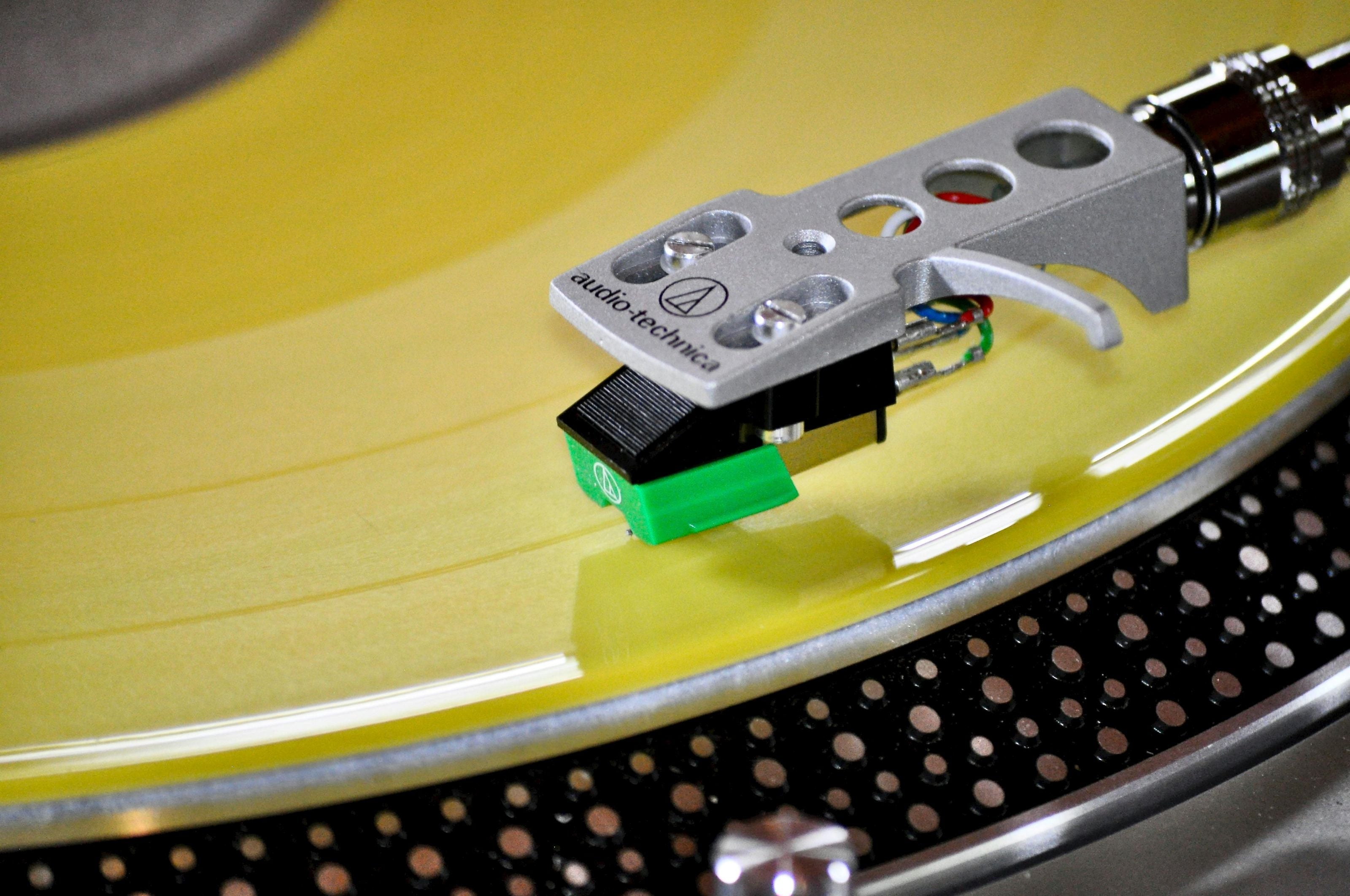
Close-up of a record player cartridge on a yellow turntable

YOUR STYLE 

Choose from Classic Black or Clear, Studio Color, or Picture Vinyl designs to create a record that complements your wedding aesthetic.

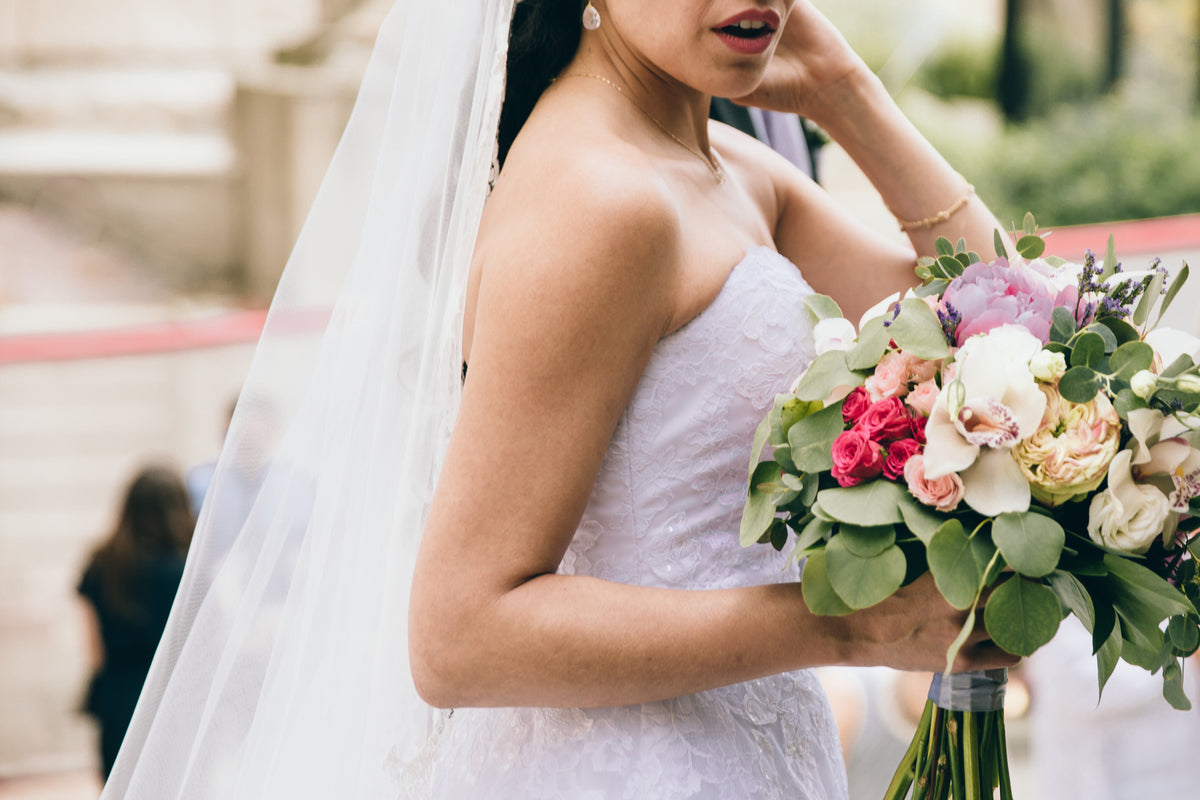
A bride in a white lace wedding gown and a groom in a black tuxedo with a white shirt and black bow tie stand close together outdoors at sunset. The background is softly blurred with warm golden light filtering through trees.

Can You Use Recordings From Any Audio Guestbook Company? 

Yes. Your audio guestbook recordings do not have to come from a particular company to be used on a Black Label Vinyl record.

Perhaps you rented an audio guestbook for your wedding and received a download link afterward.

Perhaps the rental company offered its own vinyl keepsake, but you decided not to purchase it at the time.

Now that you've listened to the messages, you've changed your mind.

That's completely fine.

If you have access to the original recordings in a compatible digital audio format, you can use those files to create a personalized record through Black Label Vinyl.

You aren't required to order the record from the business that supplied the audio guestbook.

And you don't need to have used a specific brand of recording telephone.

The important questions are whether you can access the files, whether the recordings are usable, and how much audio you want to include.

The recordings matter—not the name on the audio guestbook.

For a closer look at compatible recording sources, read Can You Put Audio Guestbook Recordings From Any Company on Vinyl?

A vintage-style rotary telephone with an off-white/cream plastic body and handset, accented by shiny chrome metal parts and black button details, set against a solid black background.

What About Purchased or DIY Audio Guestbooks? 

You don't need to have rented a professional audio guestbook to turn your messages into vinyl.

Many couples purchase their own telephone-style audio guestbooks online. Others create DIY setups using recording devices, computers, or other equipment.

Those options can capture the same kinds of meaningful wedding messages.

If you bought your audio guestbook, the first step is to retrieve the recordings from the device.

Depending on the model, that might involve connecting the guestbook to a computer, removing a memory card, or using the manufacturer's software.

Save the original recordings somewhere secure before making changes.

Once you have usable MP3, WAV, or M4A files, you can begin selecting the messages you'd like to preserve on your record.

The price of the recording device doesn't determine whether its messages are meaningful—or whether those recordings can become a vinyl keepsake.

Have Your Own Audio Guestbook? Turn Your Wedding Recordings Into Vinyl
explains this process in more detail.

What Audio Files Can Be Used to Create the Record? 

Black Label Vinyl accepts three common audio file formats:

MP3 — A widely used audio format. Many audio guestbook companies provide downloadable MP3 recordings.

WAV — An uncompressed audio format commonly used for high-quality audio recordings.

M4A — A digital audio format frequently used by phones, computers, and recording applications.

You can upload compatible files directly when creating your custom record.

If your audio guestbook provider gave you a folder containing individual messages, you can select the recordings you'd like to include.

If you received one long recording containing all the messages, you may need to identify the sections you want to keep and prepare the audio to fit the available runtime.

It's also worth listening through the files before you begin.

Check that the messages play correctly, that you can hear the speakers, and that you've identified the versions you want to use.

A useful tip: Keep an untouched backup of your original recordings. If you trim pauses, shorten messages, or organize audio for your record, work from copies rather than editing the only files you have.

How Should You Organize Audio Guestbook Messages on Side A and Side B? 

There's no single correct way to arrange wedding guest messages on a vinyl record.

Some couples want the recordings to play in the same order they were originally captured.

Others prefer to organize them around the people who left the messages.

For example:

SIDE A — FAMILY

  • Messages from parents
  • Grandparents
  • Siblings
  • Close relatives

SIDE B — FRIENDS

  • Wedding party
  • Childhood friends
  • College friends
  • Funny and memorable guest messages

Another approach is to start with the most heartfelt messages and finish with the funnier recordings.

Or you might put wedding vows and speeches on one side and guestbook messages on the other.

You can also create a listening experience that follows the day itself, beginning with the ceremony and moving into the reception.

What matters is choosing an order that feels right to you.

If your messages have long pauses or unnecessary silence, carefully shortening those sections can help make the listening experience more enjoyable and preserve room for additional recordings.

Just be careful not to remove the natural moments that give the messages their personality.

A little laughter, a pause before someone speaks, or a room full of wedding guests in the background can be part of what makes a recording special.

How Many Audio Guestbook Messages Fit on a Vinyl Record? 

The number of messages that fit depends on their combined length—not simply how many guests recorded them.

A 12-inch Black Label Vinyl record can accommodate up to approximately 22 minutes of audio per side, or about 44 minutes across both sides.

When possible, around 18 minutes per side is recommended.

That means the number of messages you can include will depend on how long each recording lasts.

For example, if your guestbook contains 20 messages averaging one minute each, you have approximately 20 minutes of audio.

If it contains 50 messages averaging one minute each, that's approximately 50 minutes—more than the maximum runtime of a single two-sided record.

And some guests leave much longer messages than others.

A quick congratulations might last 15 seconds. A story from a grandparent could last several minutes.

Before selecting your record design, add up the length of the messages you want to include.

You can use our Vinyl Length Calculator to help plan the available audio time.

Remember, you don't have to use every message. You can create a carefully selected collection that captures the people and moments most meaningful to you.

Can You Combine Guest Messages, Wedding Vows, Speeches and Music? 

Yes. A custom vinyl record can include different types of audio, including wedding guest messages, spoken vows, speeches, toasts, and music, provided the recordings are usable and fit within the available runtime.

You aren't limited to the recordings captured through the audio guestbook telephone.

Perhaps your videographer recorded the ceremony and you have an audio file of your vows.

Maybe someone recorded your father's reception speech.

Or perhaps you want to include the song from your first dance.

These can all become part of the story you tell through your record.

One approach is to dedicate Side A to the ceremony and meaningful speeches, then use Side B for messages from your wedding guests.

Another is to begin with your first-dance song and follow it with voices from family and friends.

Just remember that music and spoken recordings both count toward the total available runtime.

If you have separate recordings of your ceremony or reception, our Wedding Vinyl Guide also explores ways to personalize a record around the music and memories of your wedding day.

For additional inspiration, explore our articles about Wedding Speeches on Vinyl and Wedding Vows on Vinyl.

A vintage-style chrome rotary telephone sits on a black table beside a clear acrylic sign reading 'LEAVE A MESSAGE' and a floral invitation card in a softly lit indoor setting.

Turn Wedding Photos Into Personalized Record Artwork 

The voices are the reason you're creating the record.

But the artwork can make it feel like a complete wedding keepsake.

You might choose your favorite portrait from the wedding day for the front cover, then use another photograph on the back.

You could include a photograph of the venue, a candid moment from the reception, or a picture featuring family members whose voices appear on the record.

Some couples prefer a minimalist design featuring their names and wedding date.

Others want the record to look like an album they might have purchased at a record store.

Black Label Vinyl offers several ways to personalize the finished record:

Classic Black or Clear Vinyl provides a timeless look.

Studio Color Vinyl lets you choose from available colors or a custom HEX color that complements your wedding palette.

Picture Vinyl allows a photograph or custom design to appear directly on the playable record itself.

You can coordinate the jacket, center labels, and vinyl design to create something that feels like part of your wedding collection.

If you already have professional wedding photos, there's no need to schedule another photo session. Those existing images can become the artwork for your audio guestbook record.

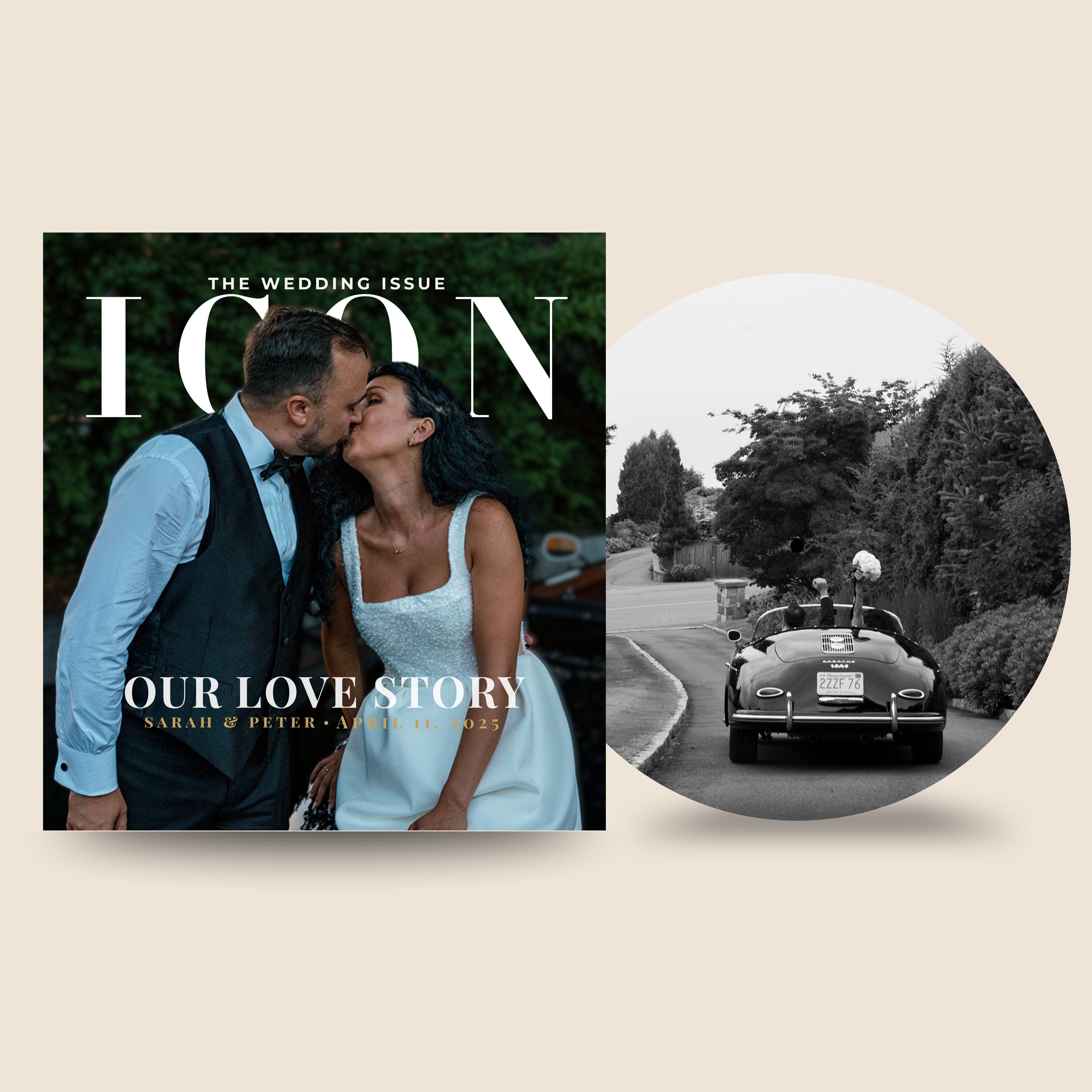
Magazine cover with a couple kissing and a black and white photo of a vintage car.

How Do You Create an Audio Guestbook Vinyl Record? 

If you already have your recordings, the process begins with the audio—not with renting another guestbook.

Step 1: Locate Your Recordings

Find the audio files provided by your guestbook rental company, purchased device, or DIY recording setup.

If your original provider supplied a download link, save the files to your computer.

Step 2: Back Up the Original Files

Keep a separate copy of everything before editing or reorganizing your recordings.

Step 3: Listen and Choose Your Messages

Decide which guest messages, vows, speeches, or other recordings you want to include.

You can preserve the original order or arrange the recordings into a new sequence.

Step 4: Check Your Total Runtime

Add up the audio time for Side A and Side B.

Aim for approximately 18 minutes per side when possible, and stay within the maximum of approximately 22 minutes per side.

Step 5: Choose Your Record and Artwork

Select the vinyl style you prefer and personalize the jacket and labels using your wedding photos, names, date, or other artwork.

Step 6: Upload Your Audio Files

Provide your compatible MP3, WAV, or M4A files and the playback order for your custom record.

Step 7: Review Your Personalization

Review the artwork proof and any requested personalization details before the order moves forward.

The result is a personalized, playable vinyl record made from the wedding recordings you already own.

No new guestbook rental is needed.

What If You Have More Recordings Than Will Fit on One Record? 

It's common for an audio guestbook to capture more messages than a single vinyl record can hold.

If you had a large wedding, guests may have recorded an hour or more of greetings, stories, advice, and congratulations.

A standard two-sided 12-inch record has a maximum total runtime of approximately 44 minutes, so longer collections require some planning.

You have several options.

Choose your favorite messages. Create a shorter collection featuring the voices and moments you most want to revisit.

Shorten unnecessary silence. Long pauses between messages can sometimes be trimmed without changing what guests said.

Organize the recordings into separate collections. You might make one record for family messages and another for friends, depending on the total runtime and the record options available.

Preserve the complete digital collection. Even if you select only certain recordings for vinyl, keep the full original archive backed up.

You don't need to force every second of audio onto one record.

Sometimes a thoughtfully arranged collection creates a better listening experience than trying to include everything.

And if you have a particularly meaningful recording—like a message from a parent or grandparent—it may be worth giving that message the space it deserves.

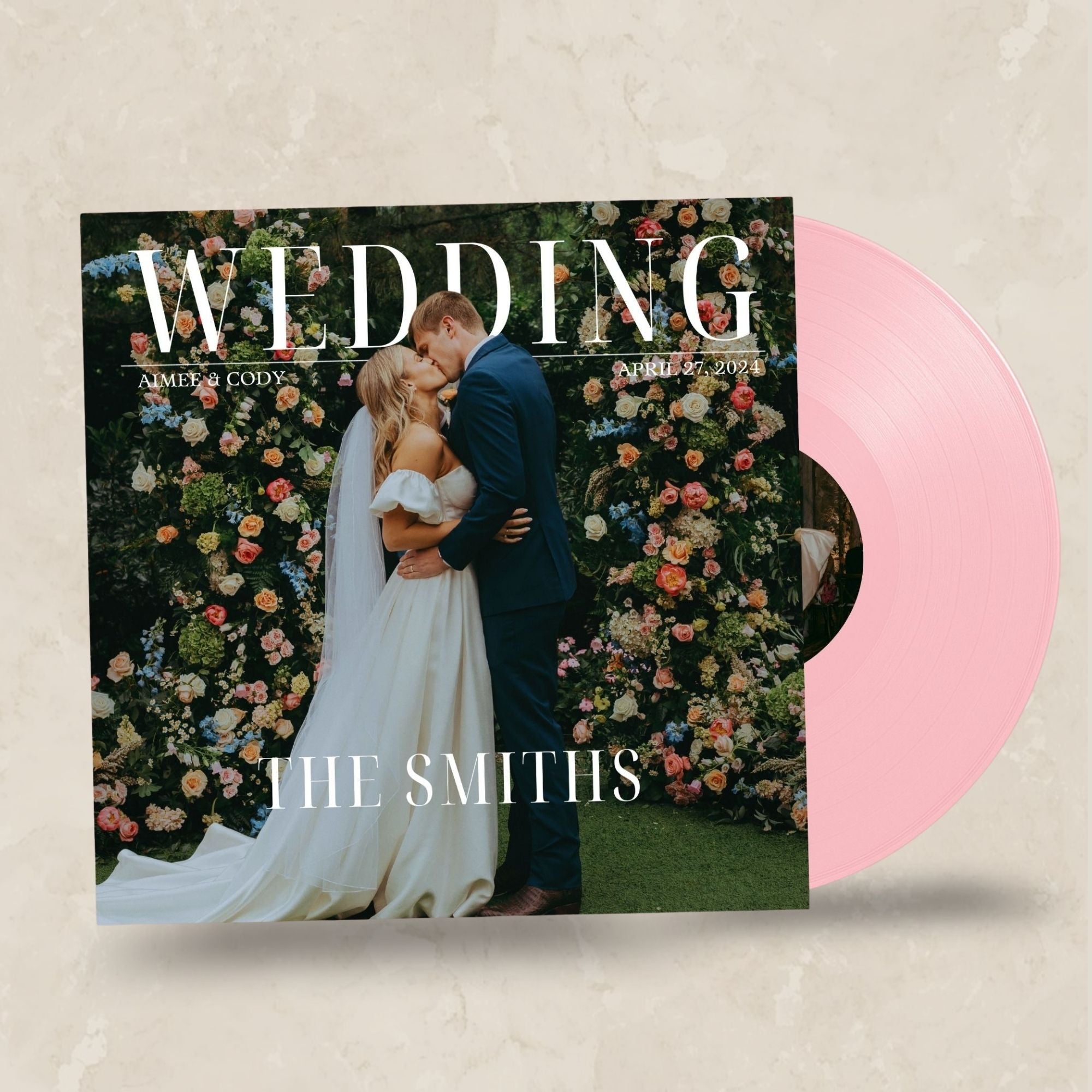
Vinyl record cover with a wedding theme featuring a couple and floral background.

Already Have Your Audio Guestbook Recordings? Give Those Voices a Place to Live. 

Your wedding guests already recorded the messages.

The stories, laughter, congratulations, and advice are already there.

Now you can decide how you want to preserve them.

Whether the recordings came from a wedding audio guestbook rental, a telephone you purchased online, or a DIY setup, compatible audio files can become a personalized, playable vinyl record.

Choose the messages that matter, arrange them in your preferred order, and pair them with artwork that reflects your wedding.

You don't have to go back to the original audio guestbook company.

And you don't have to let those recordings sit in a forgotten folder.

CREATE YOUR AUDIO GUESTBOOK VINYL RECORD

Start with the voices you already have. Black Label Vinyl can help turn them into a wedding keepsake you'll want to play for years to come.

Audio Guestbook Vinyl Record FAQ 

1. Can I turn audio guestbook messages into a vinyl record?

Yes. If you already have usable audio guestbook recordings, you can create a personalized, playable vinyl record using those existing audio files.

2. Can I use recordings from any audio guestbook company?

Yes. Black Label Vinyl does not require your recordings to come from a particular audio guestbook provider. Compatible audio files from another company can be used.

3. Can I use recordings from an audio guestbook I purchased myself?

Yes. Recordings from a purchased audio guestbook can be used as long as you can retrieve the files in a compatible format.

4. Can DIY audio guestbook recordings be put on vinyl?

Yes. Recordings captured using a DIY audio guestbook can be used if the audio files are accessible and usable.

5. What audio file types can I use?

Black Label Vinyl accepts MP3, WAV, and M4A audio files.

6. How many audio guestbook messages fit on a vinyl record?

It depends on the length of the recordings. A 12-inch record can accommodate up to approximately 22 minutes per side, with around 18 minutes per side preferred when possible.

7. Can I choose which messages go on the record?

Yes. You can select the messages you want to include rather than using every recording from your audio guestbook.

8. Can I choose the order of the recordings?

Yes. You can organize the selected recordings into your preferred playback order on Side A and Side B.

9. Can wedding speeches and vows be included too?

Yes. Compatible recordings of wedding vows, speeches, toasts, and other spoken messages can be included, subject to the available runtime.

10. Can I use my wedding photos for the record artwork?

Yes. You can personalize the record jacket and labels with wedding photographs. Picture Vinyl also allows a photograph or custom design to appear directly on the playable record.

11. What if my audio guestbook recordings are too long for one record?

You may need to select certain messages, shorten unnecessary silence, reorganize the audio, or consider additional records depending on the total runtime.

12. Can I make a vinyl record months or years after my wedding?

Yes. You can create a record after your wedding as long as you still have usable audio files from the celebration.

13. Do I need to have used a particular audio guestbook company?

No. Black Label Vinyl can use compatible recordings from rental providers, purchased audio guestbooks, and DIY recording setups.

14. Can voice recordings and music be included on the same custom record?

Yes. Spoken recordings and music can be included on the same record when compatible audio is provided and the total runtime fits within the record's limits.

Continue Creating Your Audio Guestbook Record

Need a little inspiration before you begin? Explore our guides and tools for choosing your songs, creating personalized artwork, selecting your record style, and turning your favorite memories into a one-of-a-kind gift.

Helpful Resources

Plan Your Soundtrack

Create & Personalize

Explore Record Styles

Helpful Tools