Skip to content

Cart

Your cart is empty

Article: Have Your Own Audio Guestbook? Turn Your Wedding Recordings Into Vinyl

Have Your Own Audio Guestbook? Turn Your Wedding Recordings Into Vinyl

Have Your Own Audio Guestbook? Turn Your Wedding Recordings Into Vinyl

You found the perfect audio guestbook telephone for your wedding. Maybe it was a vintage-style phone you purchased online, a modern recording device, or something you put together yourself.

You set it up at your reception, invited guests to leave messages, and watched as friends and family picked up the receiver to share their congratulations, advice, and memories.

Now the wedding is over.

The flowers are gone, the decorations are packed away, and your audio guestbook telephone is sitting in a box or on a shelf.

But inside that telephone—or wherever its recordings were saved—is something worth keeping: the actual voices of the people who celebrated with you.

If you have your own audio guestbook, you can turn those wedding recordings into a personalized, playable vinyl record.

You don't need to rent another device or record the messages again. You simply need access to compatible audio files.

Here's how to retrieve your recordings, organize your favorite messages, and create a wedding keepsake that lets you hear those voices again whenever you choose.

Can You Turn Recordings From Your Own Audio Guestbook Into Vinyl? 

Yes. Recordings from an audio guestbook you own can be turned into a real, playable vinyl record, provided you can retrieve the audio in a compatible digital format.

Black Label Vinyl accepts MP3, WAV, and M4A files.

Your recordings might come from a telephone-style audio guestbook purchased online, a digital recording device, or a homemade setup.

The brand, purchase price, and appearance of the telephone aren't what determine whether the messages can be used.

What matters is having access to the actual recordings.

Once you have those files, you can choose which messages to include, arrange them in your preferred order, and personalize your record with wedding photographs, names, dates, and custom artwork.

The result isn't simply a digital collection of voice messages. It's a physical record you can place on a turntable and listen to together.

And because you've already captured the messages, most of the work begins with something you already have.

A round white table covered with a lace tablecloth displays a custom bridal registry setup. The table is decorated with multiple framed wedding photographs, a vintage-style white rotary phone, a small white typewriter, candles, and white floral arrangements in tall glass vases.

What Happens to the Recordings After You Buy an Audio Guestbook? 

One of the benefits of purchasing your own audio guestbook is that you can keep the device after the wedding.

You might use it again for an anniversary party, a family celebration, or another special occasion.

But owning the telephone and having accessible copies of the recordings are two different things.

Depending on the model, your audio guestbook may store messages in its internal memory, on a removable memory card, or through software connected to the device.

Some purchased audio guestbooks automatically save each guest's message as a separate file.

Others store the recordings together or require a computer connection to retrieve them.

The important thing is to understand how your particular device saves audio.

Before putting the telephone away, locate the recordings and make sure you can access them.

Don't assume the messages will remain safely stored forever simply because you own the device.

Batteries can fail, storage devices can be damaged, and recordings can be accidentally deleted.

Your wedding messages deserve a more permanent home than a telephone sitting in a closet.

Once you've retrieved and backed up the files, you can preserve them digitally and explore ways to enjoy them, including creating a custom vinyl record.

How to Get the Recordings Off Your Audio Guestbook Telephone 

If you purchased an audio guestbook telephone, the first step is finding out how the recordings are transferred from the device.

Start with the manufacturer's instructions or the information supplied by the seller.

Many recording devices offer one of several methods.

USB connection

Some audio guestbooks connect directly to a computer using a USB cable. Depending on the device, you may be able to access the recordings through a file folder or dedicated software.

Removable memory card

Other devices save messages to a memory card that can be removed and read using a compatible computer or card reader.

Computer software or app

Some audio guestbooks require an application to retrieve or export the recordings.

Online storage

Certain recording systems save messages to an online account, where you can listen to or download the files.

Not every device supports all these methods, so follow the instructions for your particular model.

When transferring recordings, copy the files rather than moving or deleting them from the original storage.

Open several of the transferred files and listen to them to confirm that the audio plays correctly.

Don't reset, erase, or format your audio guestbook until you've made and verified secure backups of every recording you want to keep.

If you're unsure how to retrieve the messages, contact the seller or manufacturer before making changes to the device.

Black Label Collection

Make It Completely Yours 

There are several ways to turn a folder of wedding recordings into something you'll actually enjoy revisiting.

THE VOICES 

Save the messages from parents, grandparents, friends, and guests who made your wedding memorable.

THE PHOTOGRAPHS 

Pair favorite recordings with photographs from your ceremony, reception, and time spent with family.

THE STORIES 

Organize the funny moments, heartfelt advice, and personal messages into a collection that tells the story of your celebration.

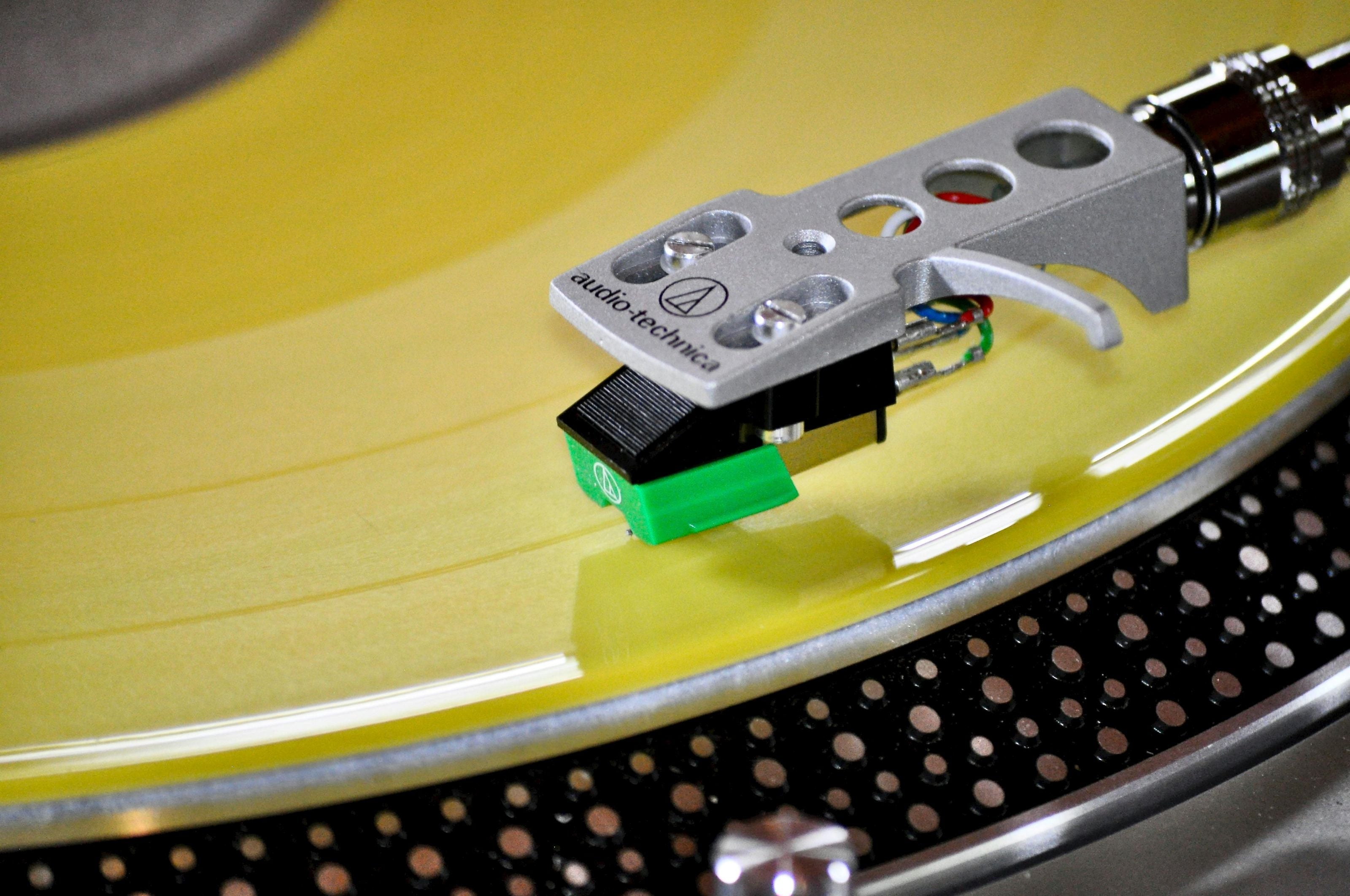
Close-up of a record player cartridge on a yellow turntable

THE KEEPSAKE 

Choose how you want to revisit those memories-through a video, digital collection, photo project, or personalized playable vinyl record.

Save Your Wedding Audio Guestbook Messages Before Anything Else 

Once you've transferred your recordings, the most important next step is making backups.

Your guests may have left messages you'll want to hear decades from now.

A parent may have shared advice about marriage. A grandparent may have told a family story. A close friend may have recorded a message that perfectly captures their personality.

Those voices can become even more meaningful as the years pass.

Start by creating a clearly labeled folder on your computer.

Include your wedding date and a description such as Original Wedding Audio Guestbook Recordings.

Keep the original files in that folder without editing them.

Then save another copy to a secure cloud storage account or external drive.

Ideally, keep more than one backup in separate locations.

If you want to adjust the recordings, create working copies in a different folder.

This allows you to trim unnecessary silence, organize messages, or make other changes without altering the originals.

You should also check that the backup files open and play correctly.

A backup isn't particularly helpful if the files were never transferred successfully.

For more ideas about preserving and enjoying your recordings, see What to Do With Your Audio Guestbook Messages After the Wedding.

The first goal is protecting the memories. Once that's done, you can decide how you'd like to enjoy them.

What Audio File Formats Do Purchased Audio Guestbooks Use? 

Different audio guestbook telephones save recordings in different formats.

Some devices create MP3 files, while others use WAV or another digital audio format.

Black Label Vinyl accepts three common formats:

MP3: A widely used digital audio format that's easy to store, transfer, and share.

WAV: A format often used for higher-quality or uncompressed audio recordings, depending on the device's settings.

M4A: A common digital audio format used by certain recording devices, phones, and applications.

You can usually identify the file type by looking at the extension at the end of its filename.

For example, WeddingMessage01.mp3 is an MP3 file.

If your telephone records in another format, check whether the manufacturer provides a way to export the recordings as MP3, WAV, or M4A.

It's best to use the original files or a high-quality export whenever possible.

Simply changing a filename from one extension to another won't convert the audio.

And converting a poor-quality recording into a larger file format won't automatically improve its sound.

If you already have MP3, WAV, or M4A recordings, you're starting with a format Black Label Vinyl accepts.

For more information, read How to Convert Digital Music Into a Vinyl Record.

How to Choose and Organize Your Wedding Guest Messages 

After downloading your recordings, set aside some time to listen through them.

This can be one of the most enjoyable parts of revisiting your wedding.

You might discover messages you never heard during the reception.

Some guests may have shared heartfelt advice. Others may have left funny stories, inside jokes, or spontaneous conversations.

As you listen, make a list of the recordings you'd most like to preserve on vinyl.

You don't need to choose every message.

Think about the people, memories, and moments that mean the most to you.

You could arrange your recordings by relationship, with family messages on Side A and friends on Side B.

Or you might prefer to mix the voices together, creating a listening experience that moves naturally between emotional and lighthearted moments.

Another option is to arrange the recordings in the order they were captured, preserving a sense of how the reception unfolded.

If your device gave the files generic names, such as REC001.wav, make a reference list identifying the speaker and approximate length of each message.

That will make it easier to plan the record without changing the original files.

You choose the recordings and their playback order.

The goal is to create something that feels like your wedding, not a collection organized by a machine.

Will Recordings From an Affordable Audio Guestbook Sound Good on Vinyl? 

A meaningful wedding recording doesn't have to come from an expensive device.

Many purchased audio guestbooks are designed to capture spoken messages rather than professional studio audio.

That means recording quality can vary.

Some messages may sound clear and natural. Others may include background music, conversations, laughter, or uneven volume.

The microphone, recording settings, room noise, and how closely guests spoke into the receiver can all affect the result.

Before choosing your final recordings, listen through the files using headphones or good speakers.

Pay attention to whether you can understand the speaker clearly.

A little background noise isn't necessarily a problem.

Hearing laughter or music from your reception may actually make the recording feel more authentic.

However, extremely distorted, clipped, or inaudible audio may not reproduce well on a vinyl record.

Some issues can be improved through audio editing, but missing or severely distorted speech cannot always be restored.

Whenever possible, use the highest-quality original files available.

Vinyl preserves the character of the audio you provide. It doesn't automatically turn a low-quality recording into studio-quality sound.

For wedding voice messages, the emotional value often comes from hearing the people you love exactly as you remember them.

Can You Put Audio Guestbook Recordings From Any Company on Vinyl?

How Many Audio Guestbook Recordings Can Fit on One Vinyl Record? 

The number of recordings you can include depends on their combined length.

Black Label Vinyl creates personalized 12-inch records that can accommodate up to approximately 22 minutes of audio per side, or approximately 44 minutes across both sides.

When possible, around 18 minutes per side is preferred.

For example, if most of your guests left messages lasting 30 to 60 seconds, you may be able to include quite a few different voices.

But if several relatives recorded longer stories or speeches, you'll reach the runtime limit more quickly.

You can organize your selected recordings into Side A and Side B, then add up the total duration for each side.

If you have more audio than one record can accommodate, consider choosing your most meaningful messages, trimming unnecessary silence from working copies, or dividing the recordings across multiple records.

You can also combine compatible wedding vows, speeches, or toasts with guest messages when the runtime permits.

There's no requirement to fill every available minute.

Sometimes a carefully selected collection of voices creates the most memorable listening experience.

For the complete process, read How to Turn Your Audio Guestbook Messages Into a Vinyl Record.

Personalize Your Wedding Record With Photographs and Artwork 

Your audio guestbook captured the sounds of your wedding day.

Your record artwork can help preserve how that day looked and felt.

Black Label Vinyl offers personalized jackets and center labels featuring your photographs, names, wedding date, and custom design details.

You might choose your favorite wedding portrait for the front cover.

The back could feature a candid reception photograph, your wedding date, or a meaningful message.

You could even include a photograph of the audio guestbook telephone itself, connecting the finished record to the original recording experience.

Consider giving your album a personal title, such as:

Voices From Our Wedding Day

The People Who Celebrated With Us

Messages for Our Marriage

Our Wedding, In Their Words

The record itself can also reflect your style.

Choose classic black or clear vinyl, a Studio Color option, or Picture Vinyl with a photograph or custom artwork directly on the playable record.

Together, the recordings and artwork create something more personal than a folder of digital audio files.

It's a wedding album you can actually listen to.

A bride in a white lace wedding gown holding a floral bouquet and a groom in a bright blue suit embracing on a rocky ocean shore at sunset.

How to Turn Your Own Audio Guestbook Recordings Into Vinyl 

If you've already purchased and used an audio guestbook, here's how to turn those existing recordings into a personalized vinyl record.

Step 1: Retrieve your wedding recordings.

Follow your device's instructions to transfer or download the messages to your computer.

Step 2: Back up the original files.

Save secure copies before editing, trimming, or reorganizing the recordings.

Step 3: Check the file formats.

Make sure your audio files are MP3, WAV, or M4A, or obtain a compatible export from the recording device.

Step 4: Select your favorite messages.

Listen through the collection and decide which voices and memories you want on the record.

Step 5: Arrange Side A and Side B.

Choose the playback order and check the combined runtime for each side.

Step 6: Choose your record style and artwork.

Personalize your record with wedding photographs, names, dates, and the vinyl style you prefer.

Step 7: Upload your recordings and review your details.

Provide your compatible audio files and personalization information through Black Label Vinyl's ordering process. Review the available personalization proof before the order proceeds.

The finished result is a real, playable vinyl record created from the messages your guests already left.

You don't need to buy another telephone or recreate your wedding day.

You've already captured the most important part.

Magazine cover titled 'The Wedding Issue' with a couple embracing, alongside a circular inset of the same couple.

You Have the Audio Guestbook. Now Preserve the Voices. 

You chose to have an audio guestbook at your wedding because you wanted something more personal than signatures on a page.

You wanted to hear the laughter, advice, stories, and congratulations from the people who shared your day.

And now you have those recordings.

The telephone may eventually end up in storage, but the voices don't have to stay there with it.

You can back up the files, share special messages with family, and revisit the recordings on future anniversaries.

Or you can turn your favorite messages into a personalized vinyl record that becomes part of your home and your story.

Black Label Vinyl creates custom, playable records using compatible customer-provided audio files, with personalized artwork to make the finished keepsake uniquely yours.

ALREADY HAVE YOUR WEDDING AUDIO GUESTBOOK RECORDINGS?

LEARN HOW TO TURN THEM INTO A VINYL RECORD

You already have the voices. Now give them something meaningful to live on.

Create My Own Record

Audio Guestbook Vinyl Record FAQ 

1. Can I turn audio guestbook messages into a vinyl record?

Yes. If you already have usable audio guestbook recordings, you can create a personalized, playable vinyl record using those existing audio files.

2. Can I use recordings from any audio guestbook company?

Yes. Black Label Vinyl does not require your recordings to come from a particular audio guestbook provider. Compatible audio files from another company can be used.

3. Can I use recordings from an audio guestbook I purchased myself?

Yes. Recordings from a purchased audio guestbook can be used as long as you can retrieve the files in a compatible format.

4. Can DIY audio guestbook recordings be put on vinyl?

Yes. Recordings captured using a DIY audio guestbook can be used if the audio files are accessible and usable.

5. What audio file types can I use?

Black Label Vinyl accepts MP3, WAV, and M4A audio files.

6. How many audio guestbook messages fit on a vinyl record?

It depends on the length of the recordings. A 12-inch record can accommodate up to approximately 22 minutes per side, with around 18 minutes per side preferred when possible.

7. Can I choose which messages go on the record?

Yes. You can select the messages you want to include rather than using every recording from your audio guestbook.

8. Can I choose the order of the recordings?

Yes. You can organize the selected recordings into your preferred playback order on Side A and Side B.

9. Can wedding speeches and vows be included too?

Yes. Compatible recordings of wedding vows, speeches, toasts, and other spoken messages can be included, subject to the available runtime.

10. Can I use my wedding photos for the record artwork?

Yes. You can personalize the record jacket and labels with wedding photographs. Picture Vinyl also allows a photograph or custom design to appear directly on the playable record.

11. What if my audio guestbook recordings are too long for one record?

You may need to select certain messages, shorten unnecessary silence, reorganize the audio, or consider additional records depending on the total runtime.

12. Can I make a vinyl record months or years after my wedding?

Yes. You can create a record after your wedding as long as you still have usable audio files from the celebration.

13. Do I need to have used a particular audio guestbook company?

No. Black Label Vinyl can use compatible recordings from rental providers, purchased audio guestbooks, and DIY recording setups.

14. Can voice recordings and music be included on the same custom record?

Yes. Spoken recordings and music can be included on the same record when compatible audio is provided and the total runtime fits within the record's limits.

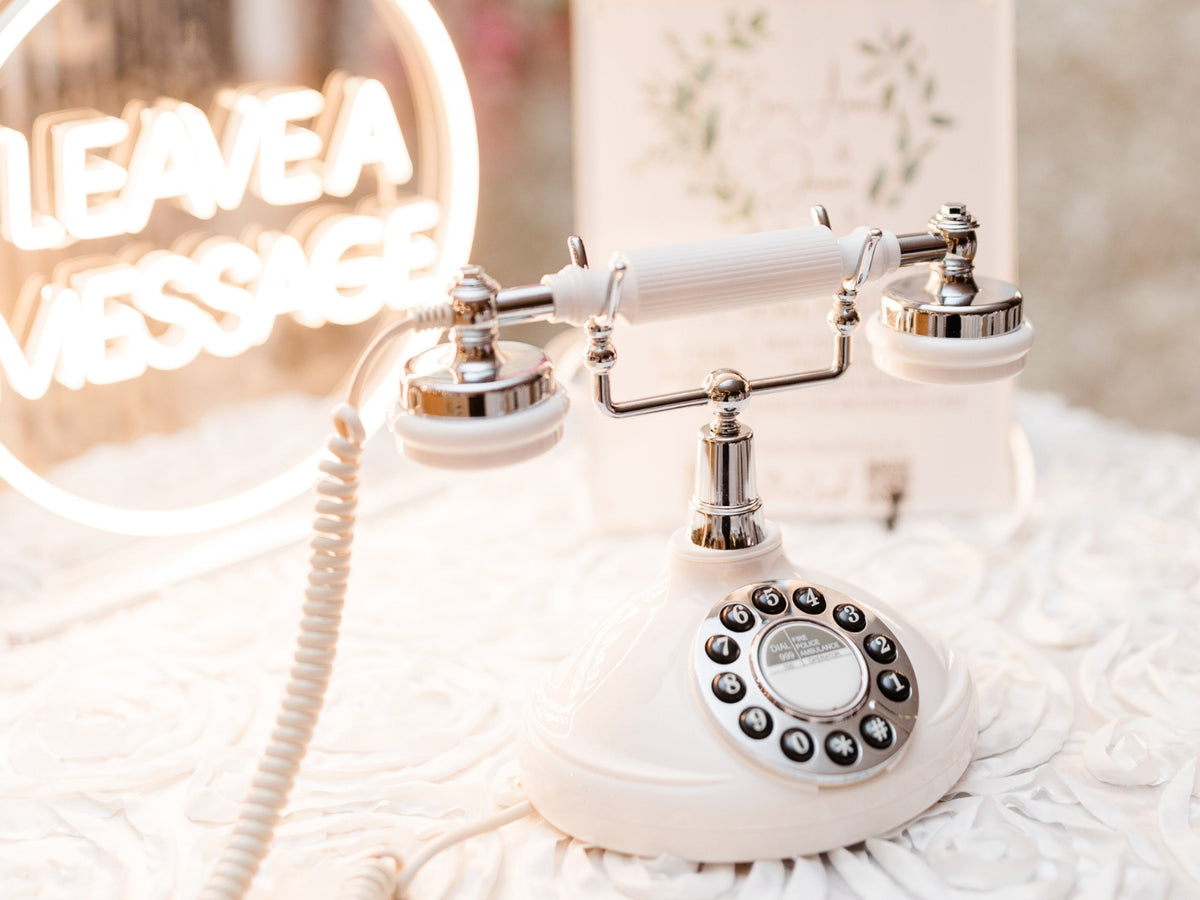
Continue Creating Your Audio Guestbook Record

Need a little inspiration before you begin? Explore our guides and tools for choosing your songs, creating personalized artwork, selecting your record style, and turning your favorite memories into a one-of-a-kind gift.

Helpful Resources

Plan Your Soundtrack

Create & Personalize

Explore Record Styles

Helpful Tools